Use SKOPE
Find environmental data for a place and time, then explore it in SKOPE.
Open the application
Choose a dataset and study area, then visualize or analyze the data.
SKOPE User Guide
Follow the released guide from choosing data through visualization and analysis, or jump to a step.
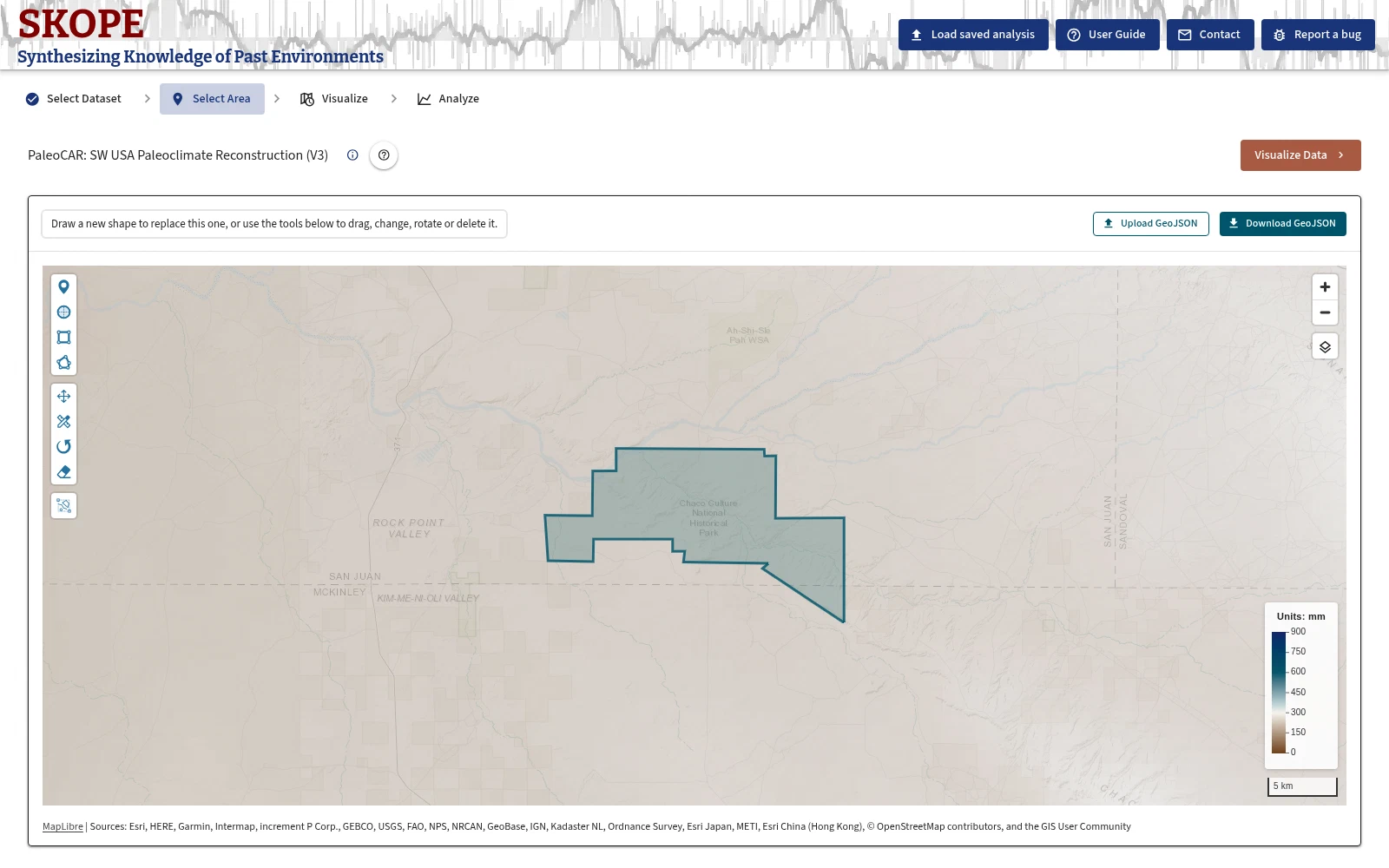
For the updated interface shown above, see the staging preview guide.
Release history
7 May 2022 A major new release of the SKOPE application was released that adds greatly expanded data analysis tools. Read the Announcement.